
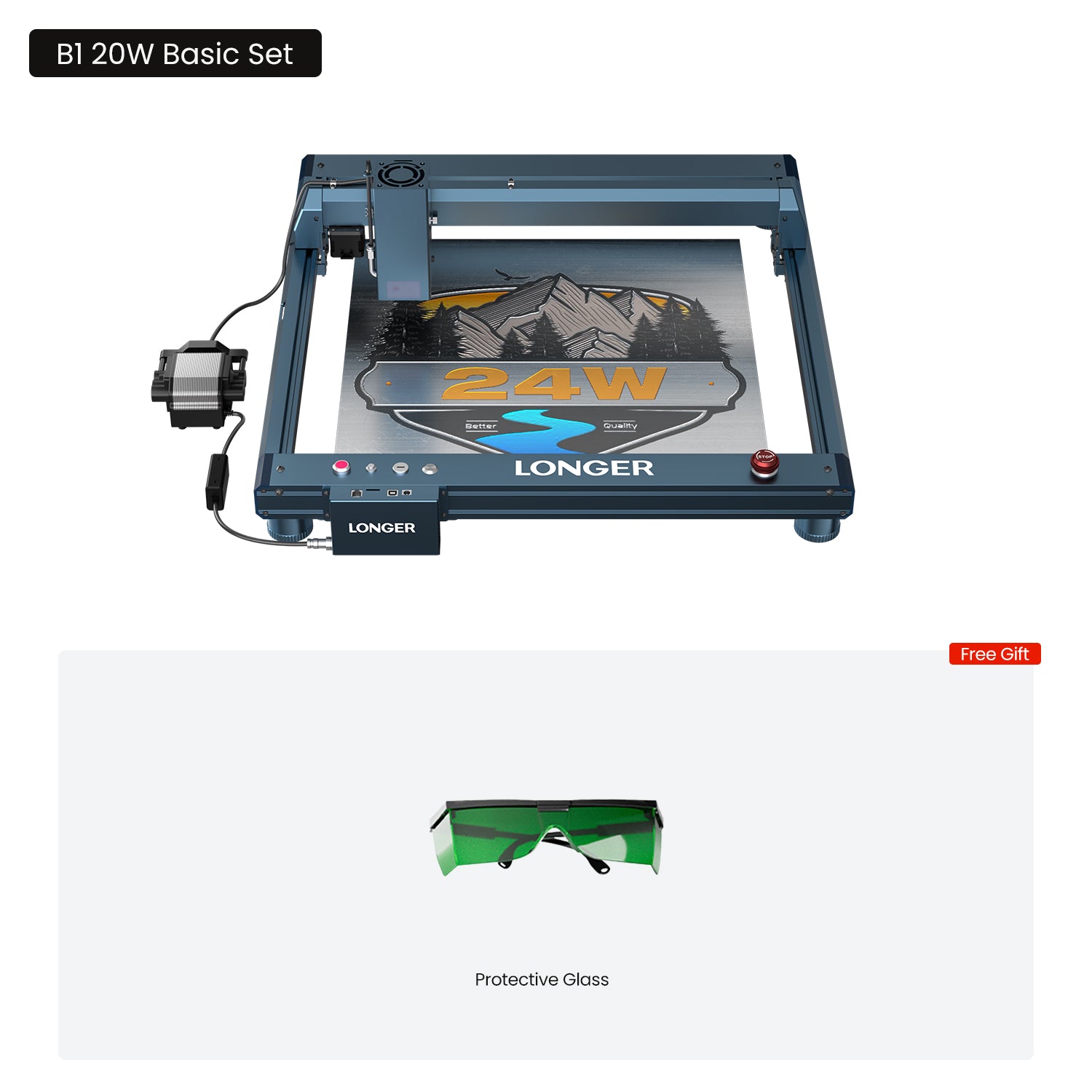




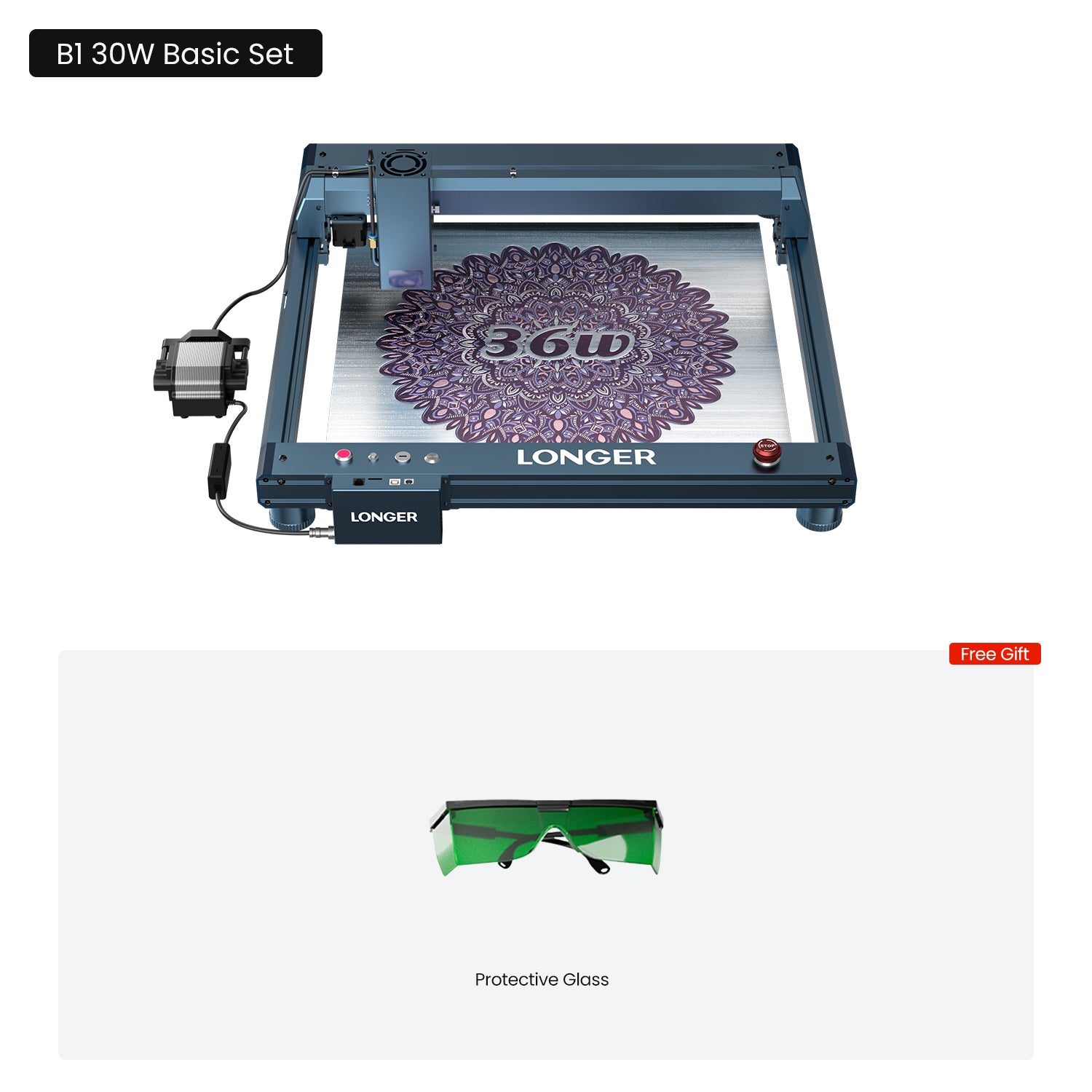


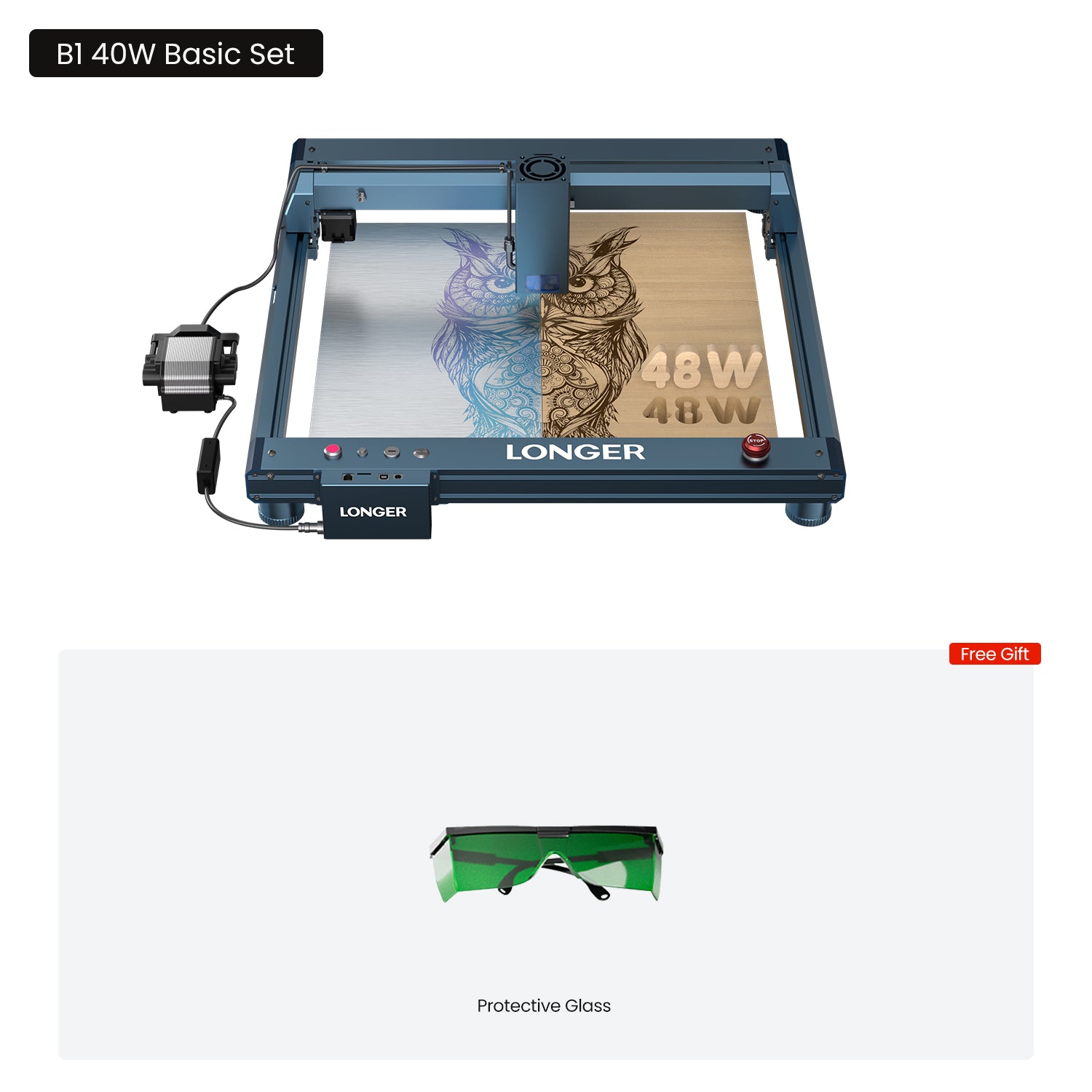
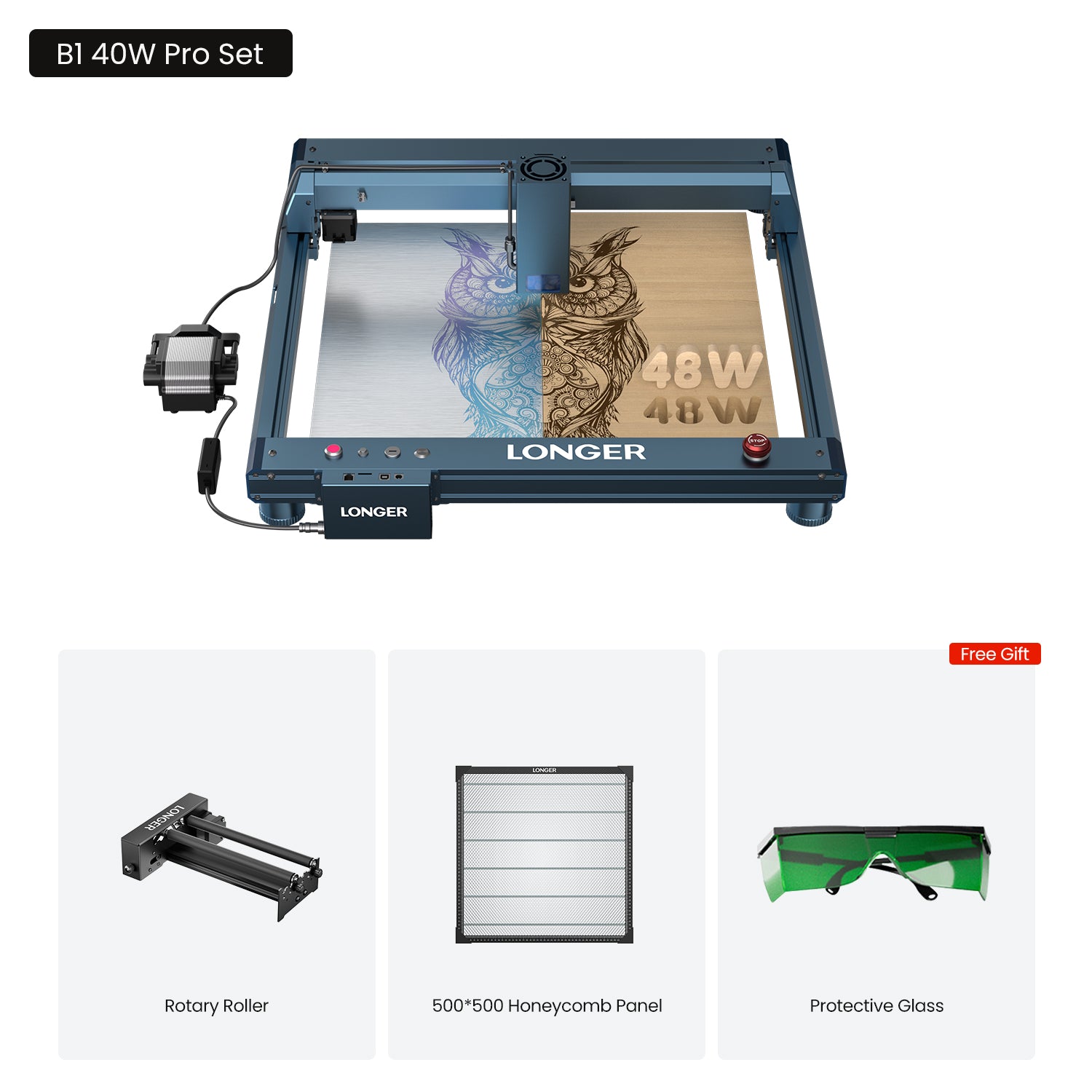


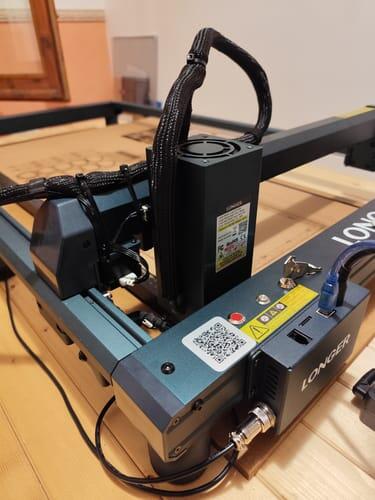
Longer B1 Laser Engraving Machine 20W/30W/40W
- Exceptional Versatility: Interchangeable laser modules (40W/30W/20W/2W IR) for working with a wide range of materials.
- Unmatched Efficiency: Achieve speeds of up to 600mm/s on an expansive 17.72'' x 17.32''(450*440mm) working area.
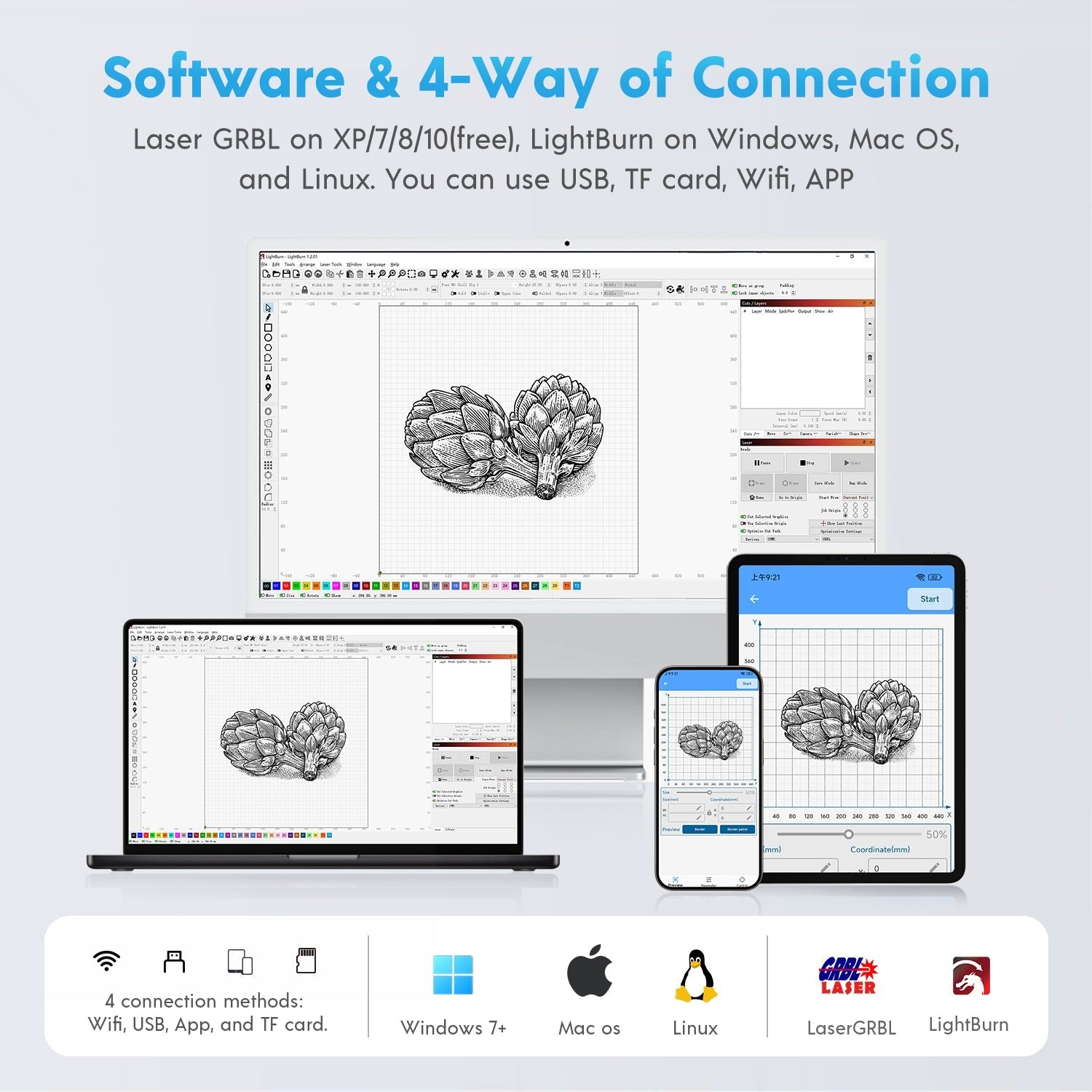
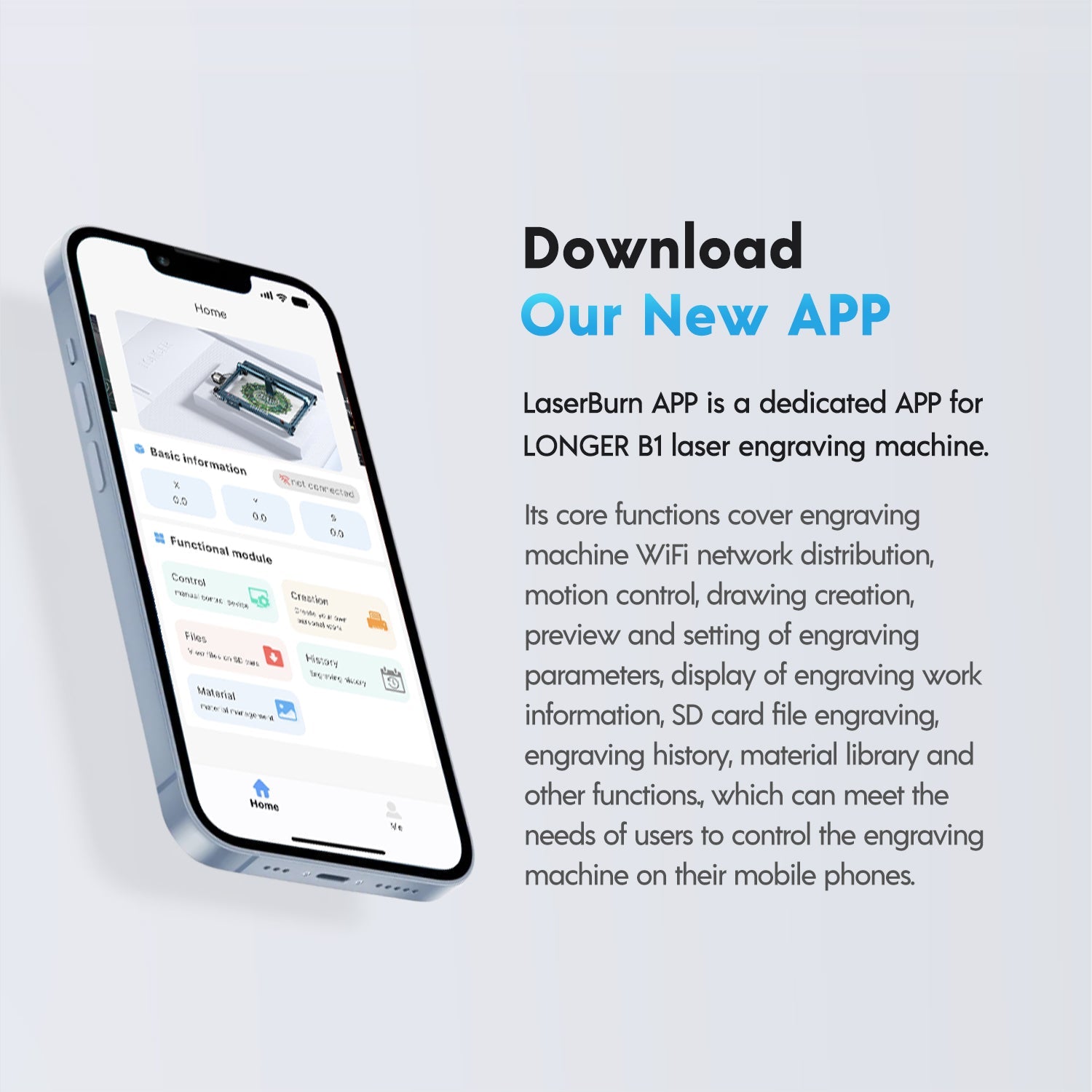
- User-Friendly App Control: Compatible with Lightburn, LaserGRBL and LaserBurn.

Longer B1 20W/30W/40W Laser Engraver
Cut Things with Ease

Why This Machine Stands Out

Discover the Expert Insight
OleBrogger
209K subscribers
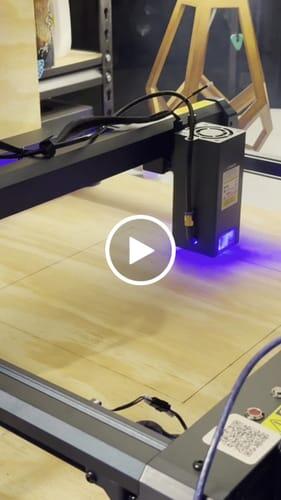
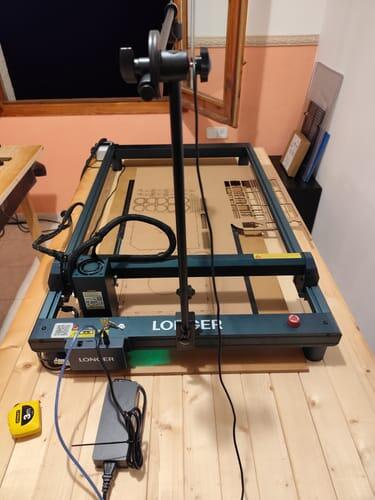
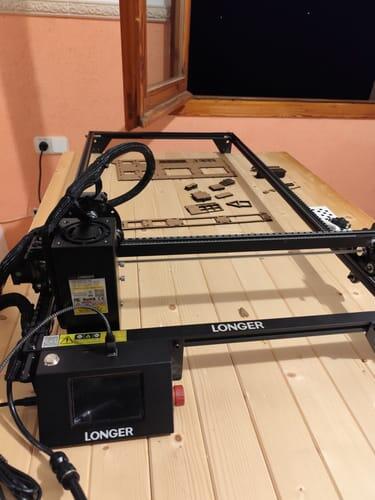
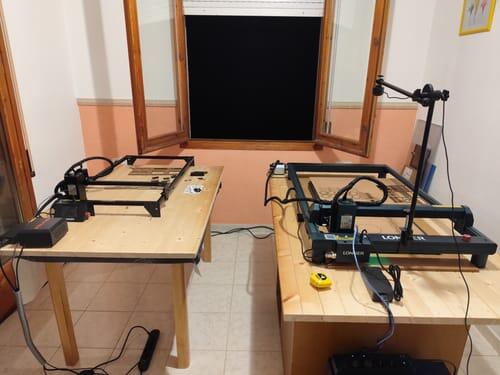
I highly recommend the Longer B1 40W Laser Engraver — the extension kit and enclosure upgrade make it a powerful, safe, and versatile tool for large-scale maker projects.
Matt Jordan
1280K subscribers
It delivers impressive cutting power, a large working area, and excellent value for makers looking to take their engraving and woodworking projects to the next level.
Project Anonymous
16.5K subscribers
LONGER B1 40W works with the Chuck Rotary Extension and LightBurn, making it easy to set up, connect, and engrave curved objects like stainless steel cups with excellent versatility.
Higher Laser Power for Deeper Cuts


Faster Speed for Higher Efficiency

8 Layers of Safety Protection
Engineered for Worry-Free Operation

Powerful Software Widely Compatibility
Compatible with a variety of systems, including Windows and macOS systems, and software such as LaserGRBL, LightBurn and LaserBurn

Specification
| Power | 20W | 30W | 40W |
|---|---|---|---|
| Cutting Ability | 15mm basswood in one pass / 35mm acrylic maximum | 20mm basswood in one pass / 50mm acrylic maximum | 25mm basswood in one pass / 50mm acrylic maximum |
| Laser Source | Diode Laser | Diode Laser | Diode Laser |
| Laser Length | 450nm | 450nm | 450nm |
| Laser Spot Size | 0.08mm × 0.1mm | 0.08mm × 0.1mm | 0.1mm × 0.15mm |
| Working Area | 450mm × 440mm(17.72*17.32inch) | 450mm × 440mm(17.72*17.32inch) | 450mm × 440mm(17.72*17.32inch) |
| Maximum Engraving Speed | 36000mm/min | 36000mm/min | 36000mm/min |
| View Product | Learn More | Learn More | Learn More |
If you have any questions, you are always welcome to contact us. We'll get back to you as soon as possible, within 24 hours on weekdays.
-
Shipping Information
Use this text to answer questions in as much detail as possible for your customers.
-
Customer Support
Use this text to answer questions in as much detail as possible for your customers.
-
FAQ’s
Use this text to answer questions in as much detail as possible for your customers.
-
Contact Us
Use this text to answer questions in as much detail as possible for your customers.
You May Also Like

Ruby Pulsed Infrared Laser Module for Laser B1 / Ray5 Series

Laser Engraver Camera Kits

Extension Kits for Longer Laser B1

Longer Rotary Chuck for Laser Engraver

Honeycomb Working Table 19.68"*19.68"/500*500mm²

10 colors Longer engraving machine consumables
FAQ
-
Choose the B1 module based on your project needs. The 20W is ideal for beginners and everyday engraving projects, offering a great balance of precision and cutting ability. The 30W provides stronger cutting performance for users who need more efficiency. The 40W is the best choice for professional users who require maximum power and faster processing of thicker materials.
20W: Best for versatile DIY projects | 30W: Best balance of performance and efficiency | 40W: Best for powerful cutting and productivity. -
The B1 series supports engraving and cutting on a wide range of materials. The diode laser can cut wood, leather, MDF, paper, felt, and some dark opaque acrylic. It can also engrave wood, leather, bamboo, fabric, glass, ceramic, stone, stainless steel, and coated metals.
With the optional Ruby 1064nm IR Laser Module, B1 can engrave more metals, including gold, silver, brass, iron, aluminum, and stainless steel.
Actual results may vary depending on the material type, thickness, and processing settings. -
Please install the CH340 driver first and make sure the USB connection between the machine and computer is stable. Then check Device Manager to confirm the correct COM port and select it in LightBurn. Please set the baud rate correctly and import the B1 device configuration file if required. Also make sure no other software is using the same serial port.
-
The B1 series offers a wide range of accessories to expand your creative possibilities. You can switch between different laser modules, including 20W, 30W, 40W diode laser modules, and the optional Ruby 2W 1064nm IR laser module for different engraving and cutting applications.
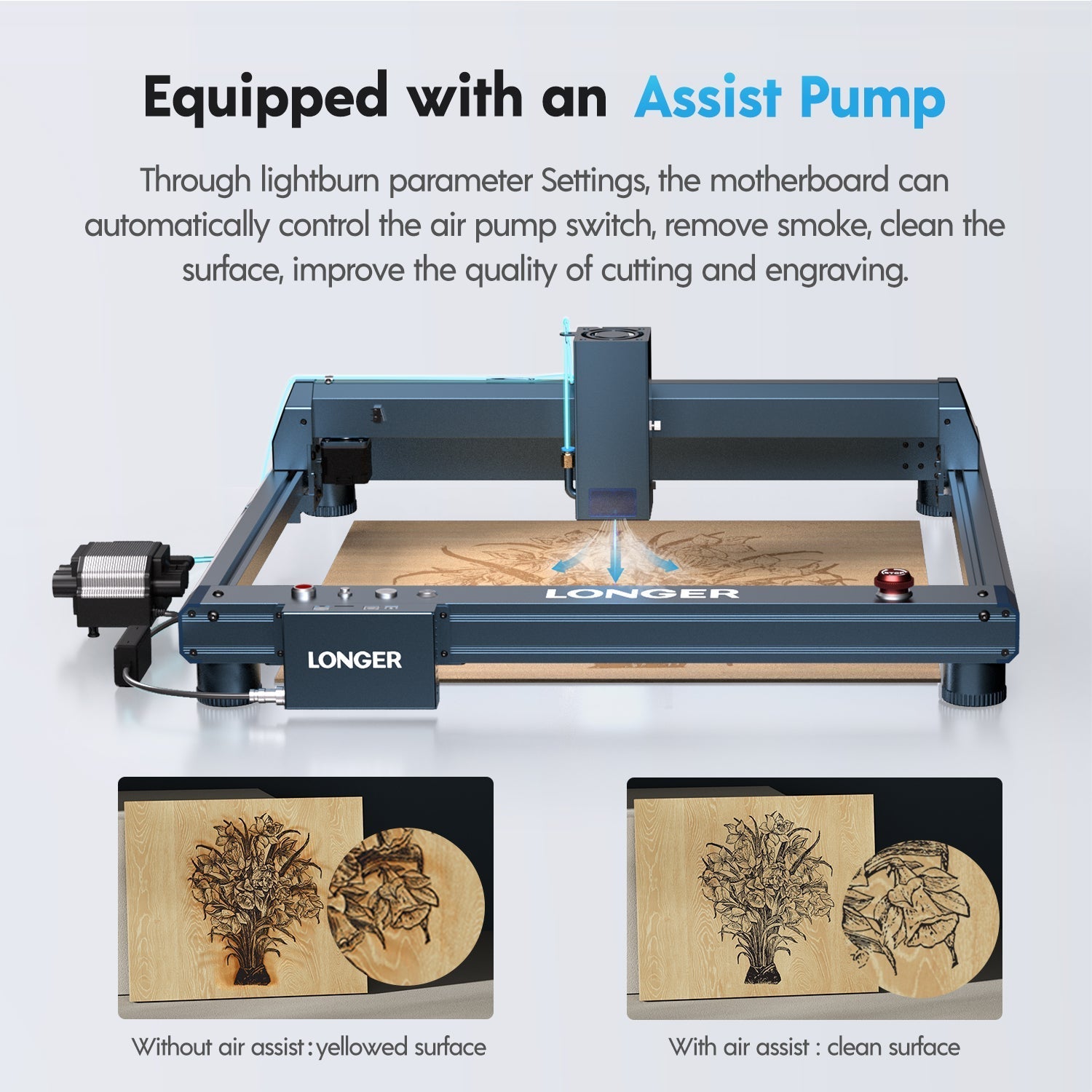
Additional accessories such as the enclosure, honeycomb work bed, air purifier, camera kit, extension kit, and rotary chuck help improve safety, workspace flexibility, positioning accuracy, and engraving capabilities. Whether you are working on flat materials, larger projects, or cylindrical objects, these accessories allow the B1 to adapt to more creative needs.